Bicep ファイルを GitHub Actions で実行させる
Copilot 君に言われた通りやってみる。
ステップ①:Azure 側(認証用 Service Principal を作成)
GitHub Actions から Azure にログインするために必要らしい。
az login でログインは済ませておいて以下を実行。
az ad sp create-for-rbac \
  --name gh-actions-bicep \
  --role Contributor \
  --scopes /subscriptions/<SUBSCRIPTION_ID> \
  --sdk-auth
–name の「gh-actions-bicep」はアプリの名前なので任意でOK。
–role の「Contributor」はサブスクリプションの「共同作成者」権限のこと。
実行したらこんな感じ。
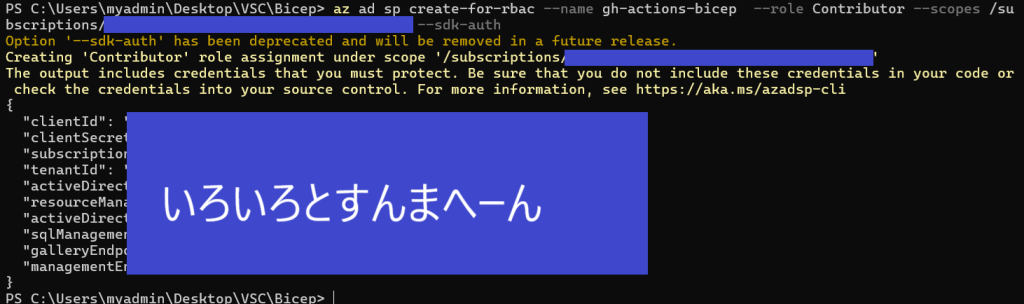
「いろいろとすんまへーん」の部分をコピーしておく。
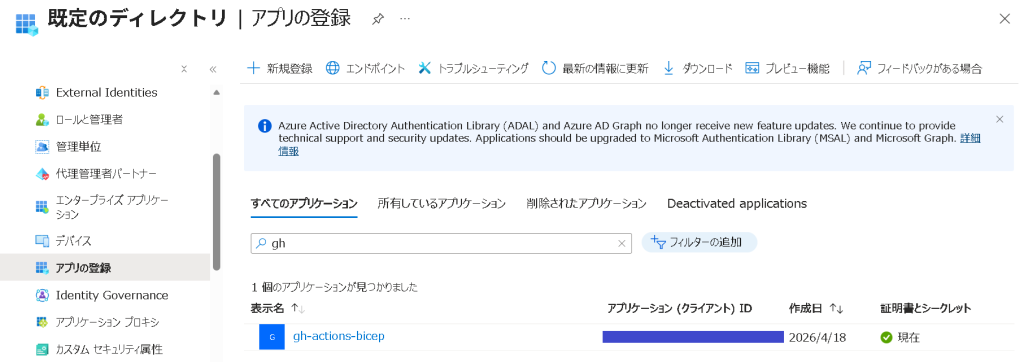
Entra ID の「アプリの登録」で登録されていることを確認。
ステップ②:GitHub Secrets に登録
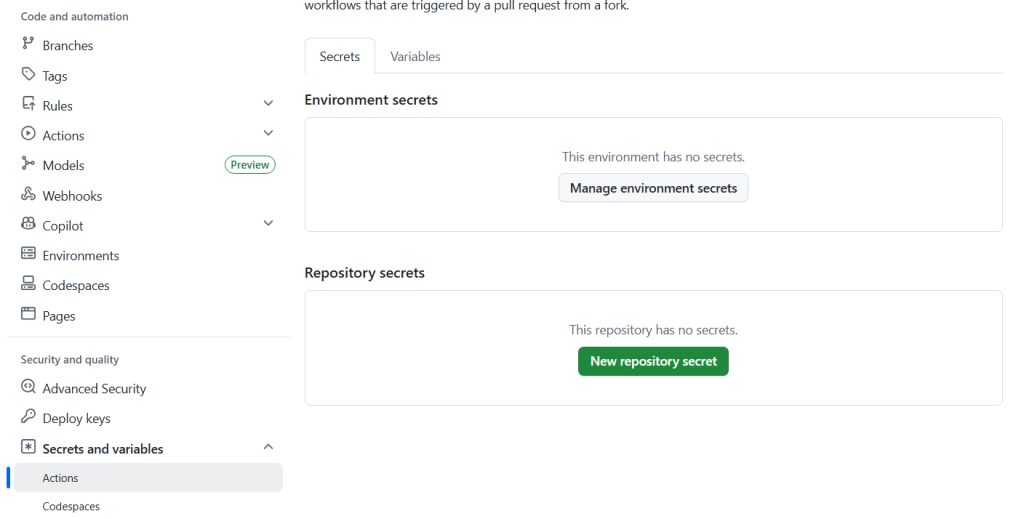
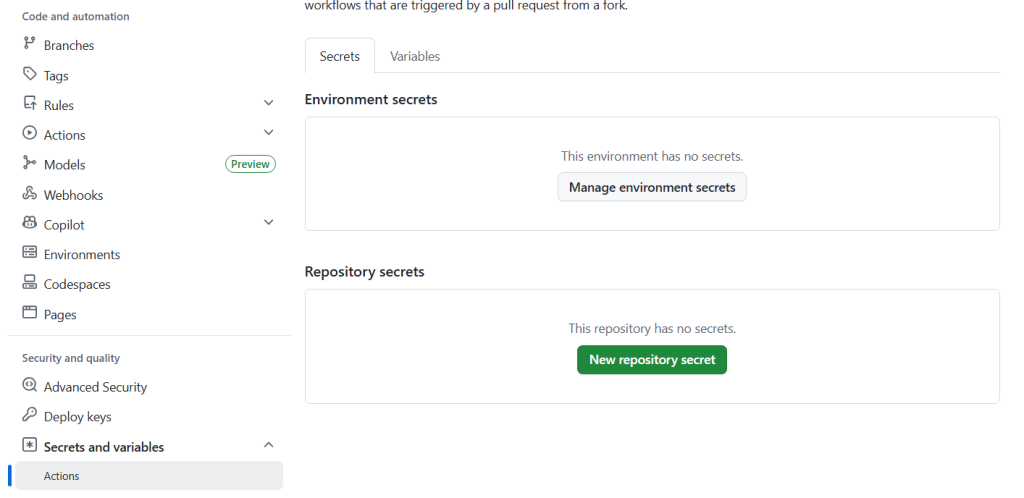
GitHub リポジトリで「Settings → Secrets and variables → Actions」
「New repository secret」をクリック。
Secret を追加。「いろいろとすんまへーん」のうち、下記4行だけコピペ。
“tenantId”の末尾のカンマは不要!
| Name | Value |
|---|---|
| AZURE_CREDENTIALS | { “clientId”: “xxxxxxxx-xxxx-xxxx-xxxx-xxxxxxxxxxxx”, “clientSecret”: “xxxxxxxxxxxxxxxxxxxxxxxxxxxxxx”, “subscriptionId”: “xxxxxxxx-xxxx-xxxx-xxxx-xxxxxxxxxxxx”, “tenantId”: “xxxxxxxx-xxxx-xxxx-xxxx-xxxxxxxxxxxx” } |
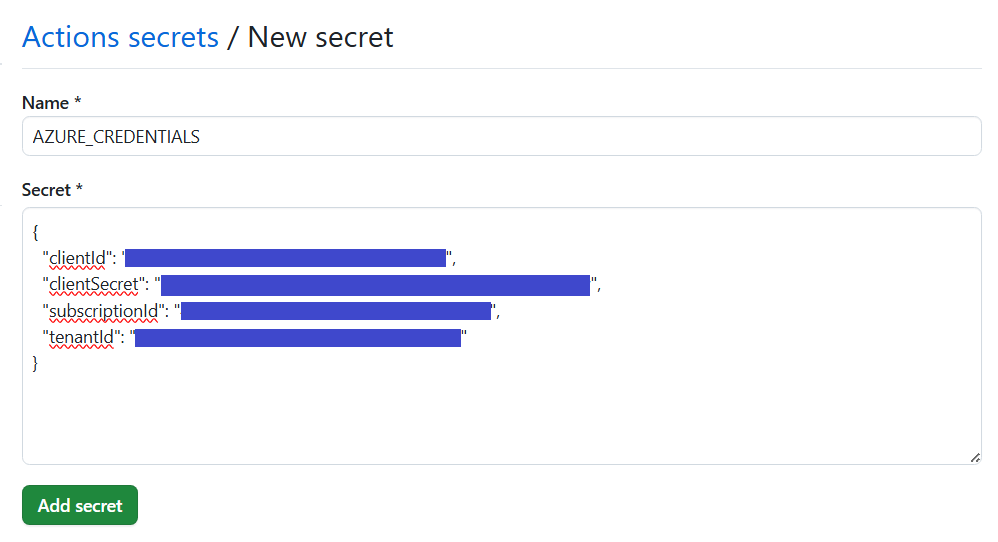
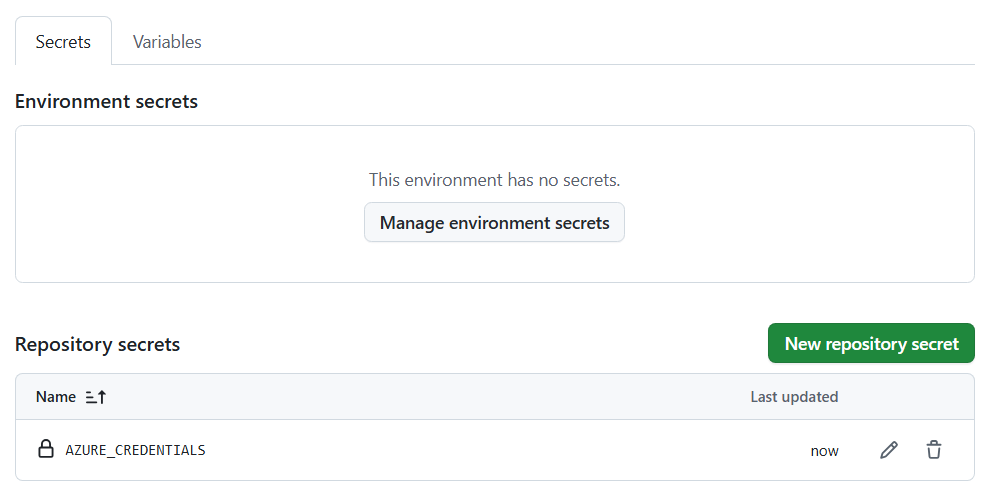
「Add secret」でシークレットを追加。
登録されていることが確認できる。
ステップ③:GitHub Actions Workflow を作成
.github/workflows/deploy-bicep.yml を作ります。
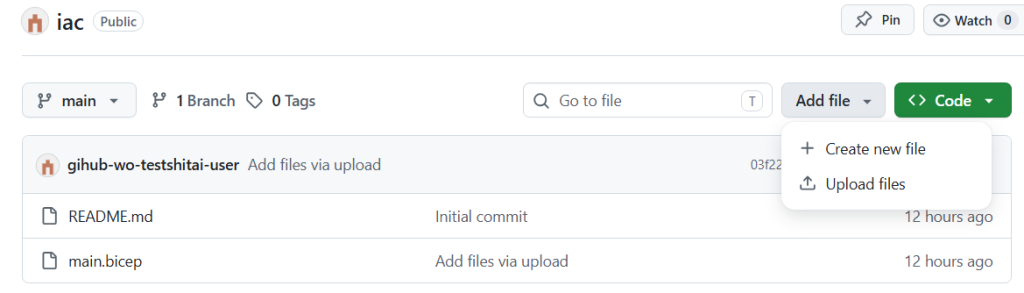
ファイルパスを入力して(間のフォルダは存在しなくてもOK)

以下をコピペ
name: Deploy Bicep (Manual)

on:
  workflow_dispatch:
    inputs:
      resourceGroup:
        description: 'Resource Group name'
        required: true
        default: 'yk-bicep'
      location:
        description: 'Location'
        required: true
        default: 'japaneast'

jobs:
  deploy:
    runs-on: ubuntu-latest

    steps:
      - name: Checkout
        uses: actions/checkout@v4

      - name: Azure Login
        uses: azure/login@v2
        with:
          creds: ${{ secrets.AZURE_CREDENTIALS }}

      - name: Deploy Bicep
        run: |
          az deployment group create \
            --resource-group ${{ inputs.resourceGroup }} \
            --template-file main.bicep \
            --parameters location=${{ inputs.location }}
–template-file main.bicep は main.bicep のパスを書く。
リポジトリの直下にあるなら main.bicep だけでOK。
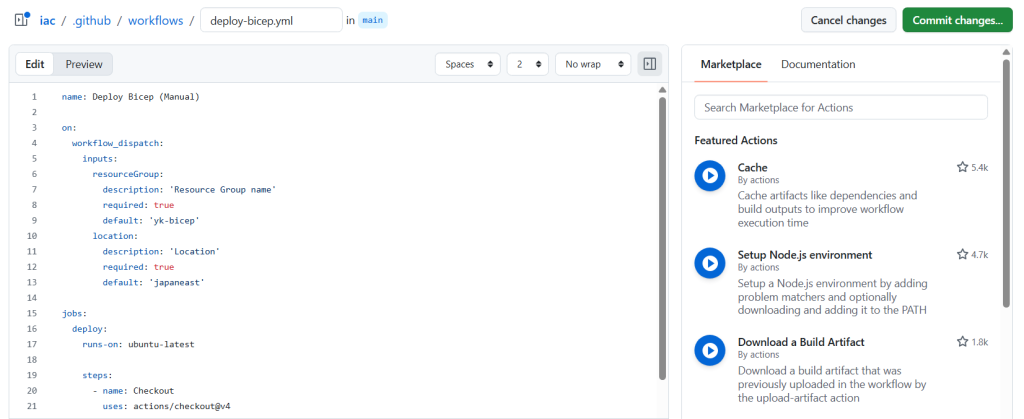
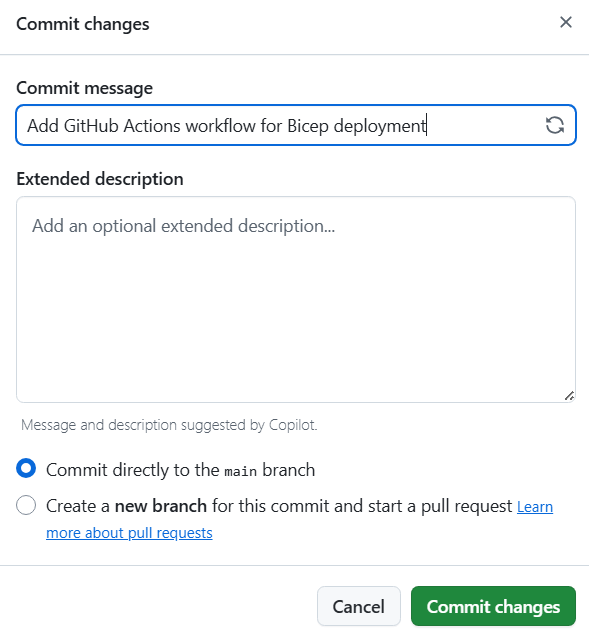
右上の「Commit changes …」をクリック。
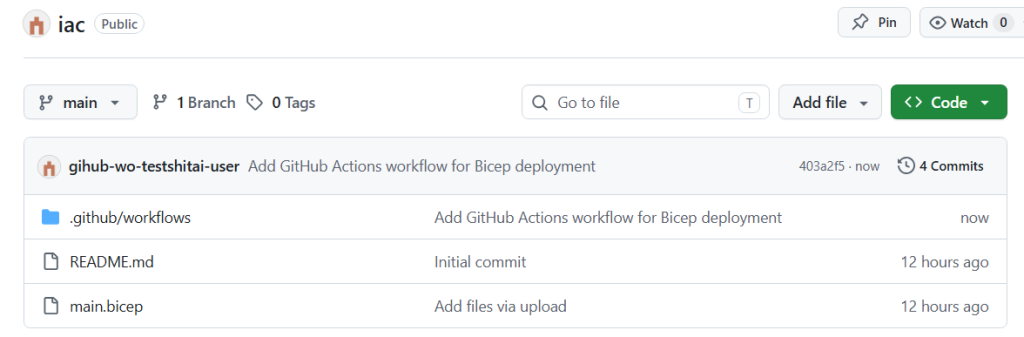
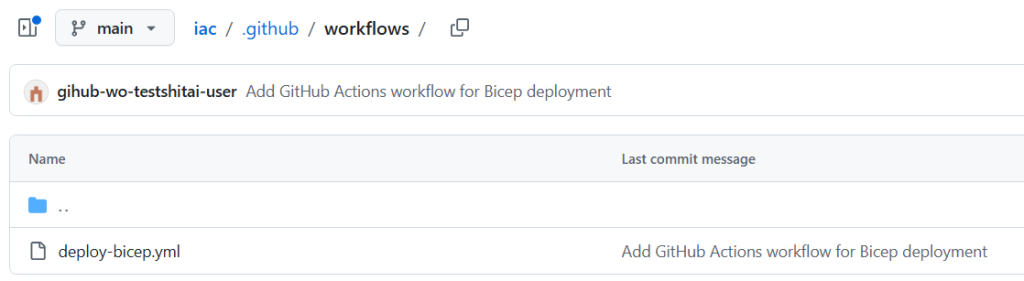
.githubフォルダ配下にymlができた。
ステップ④:手動でデプロイする
1.GitHub リポジトリ → Actions
2.「Deploy Bicep (Manual) 」を選択
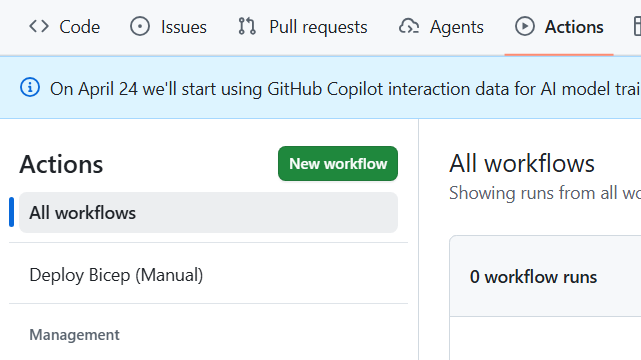
3.Run workflow
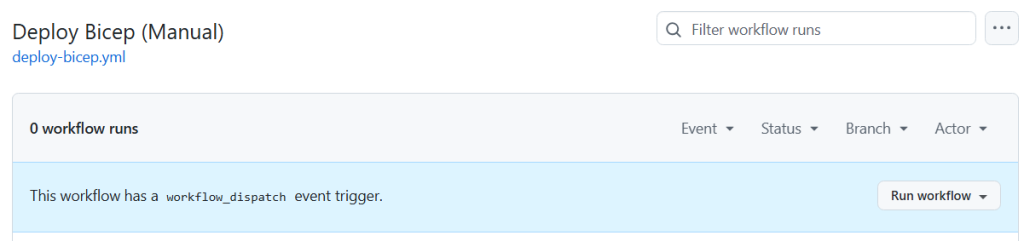
4.パラメータ入力(yml に書かれている default の値が最初から入っている)
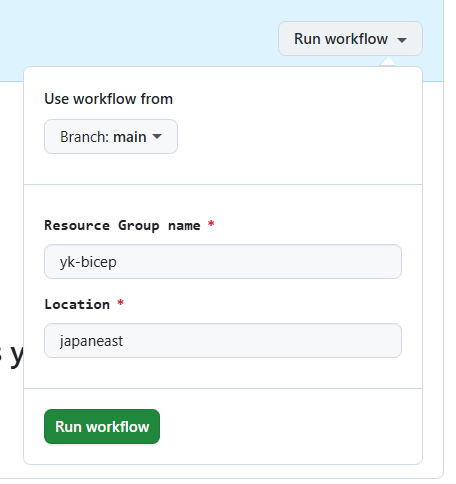
あれ?失敗
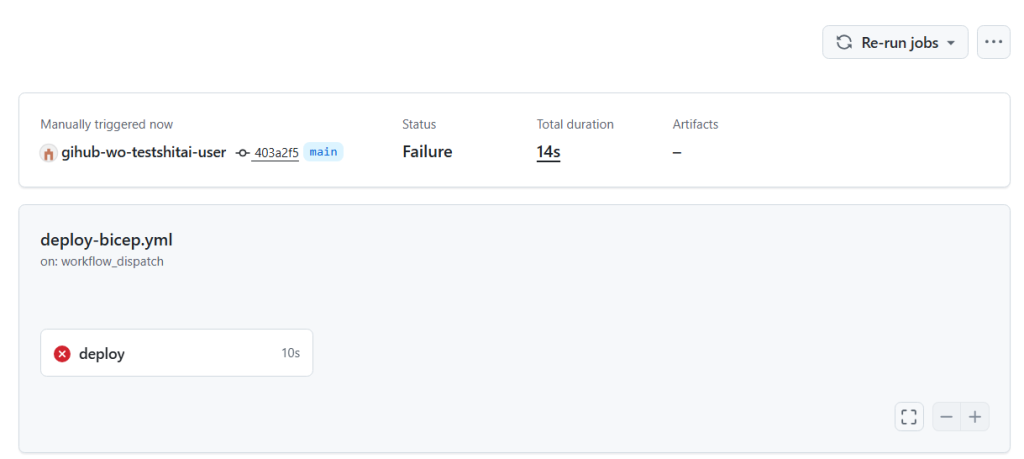
deploy をクリックするとエラーの内容が見える。
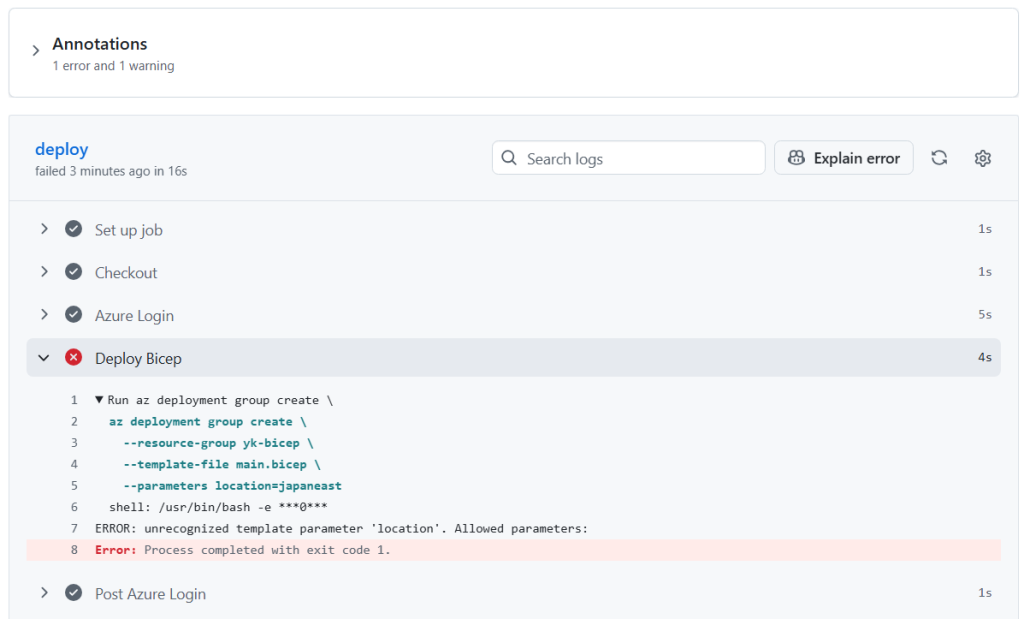
原因は location。
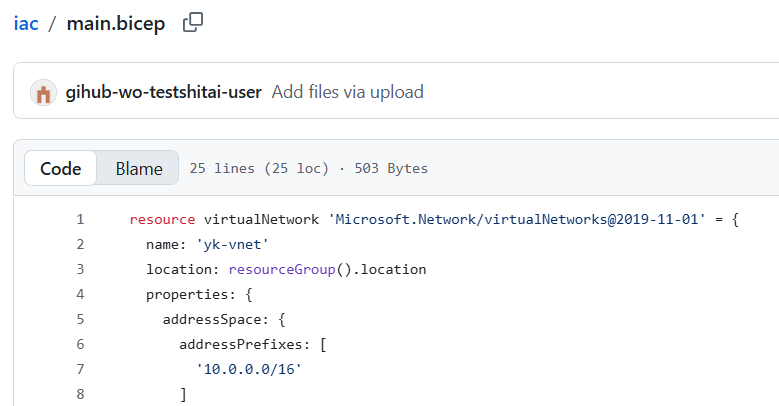
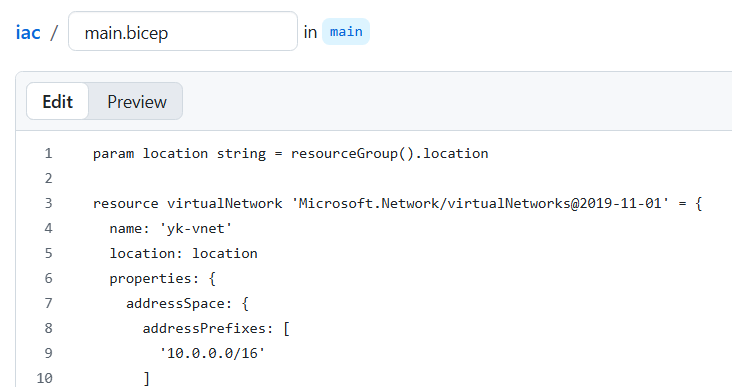
以下に修正。
1.「param location string = resourceGroup().location」を追加
2.「location: location」に修正
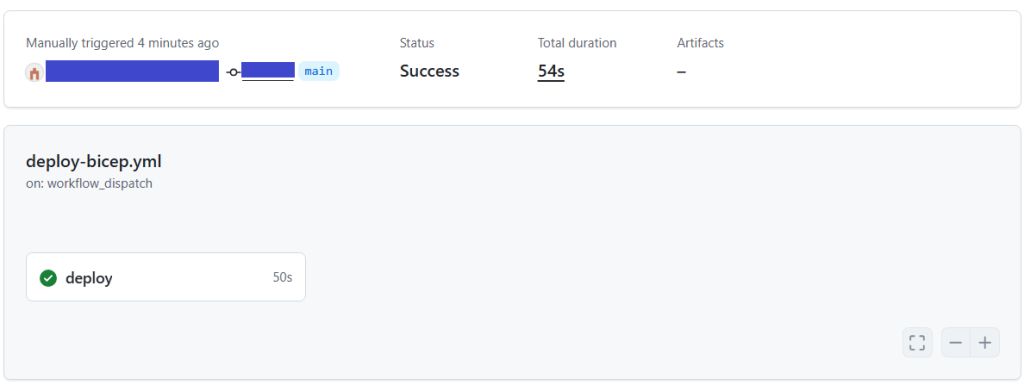
エラーなく完了した。
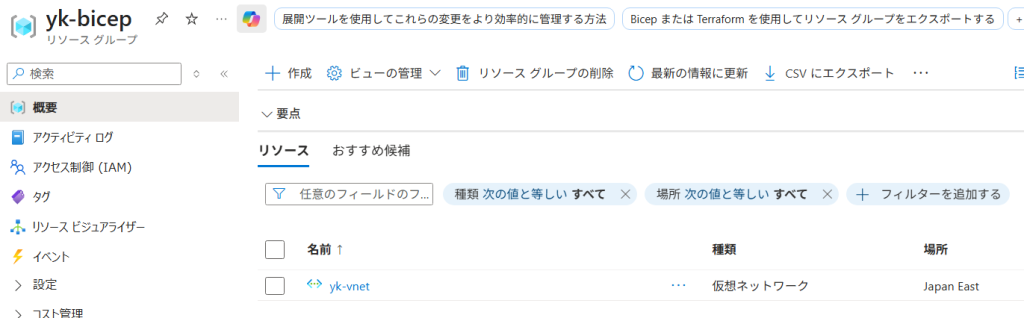
わーい!仮想ネットワークができている!
以上!
\ 最新情報をチェック /